3D Printed Cable Management: Tame the Chaos on Your Desk
Discover how 3D printed cable management solutions keep your desk clean and organized. Custom clips, holders, and routing guides designed for any setup.
Dennis
3Dennis
Contents
We’ve all been there. You look behind your desk and see a tangled mess of charging cables, monitor cords, and peripherals fighting for space. It’s not just ugly — it makes troubleshooting a nightmare and collects dust like nothing else. The good news? 3D printing offers a surprisingly elegant solution.
Unlike generic cable clips from the hardware store, 3D printed cable management is designed to fit your exact setup. Need a holder that routes three USB-C cables and one HDMI along the edge of your specific desk? That’s a Tuesday afternoon print job.
Why Generic Solutions Fall Short
Walk into any office supply store and you’ll find cable trays, velcro straps, and adhesive clips. They work — kind of. The problem is that every desk setup is different. Your monitor arm has a specific clamp thickness. Your standing desk has a particular rail profile. That charging station sits at an awkward angle.
Generic products force you to adapt your setup to the product. With 3D printing, we flip that around. The product adapts to your setup. A cable clip designed for a 25mm desk edge fits a 25mm desk edge perfectly, not “close enough” like a spring-loaded universal clip that slowly loses its grip.
This is exactly the philosophy behind what we do at 3Dennis. Every mounting solution starts with a real-world problem and gets engineered to solve it precisely.
The Building Blocks of a Clean Desk
A proper cable management system isn’t one product — it’s a combination of small, purposeful parts working together. Think of it like plumbing for your cables.
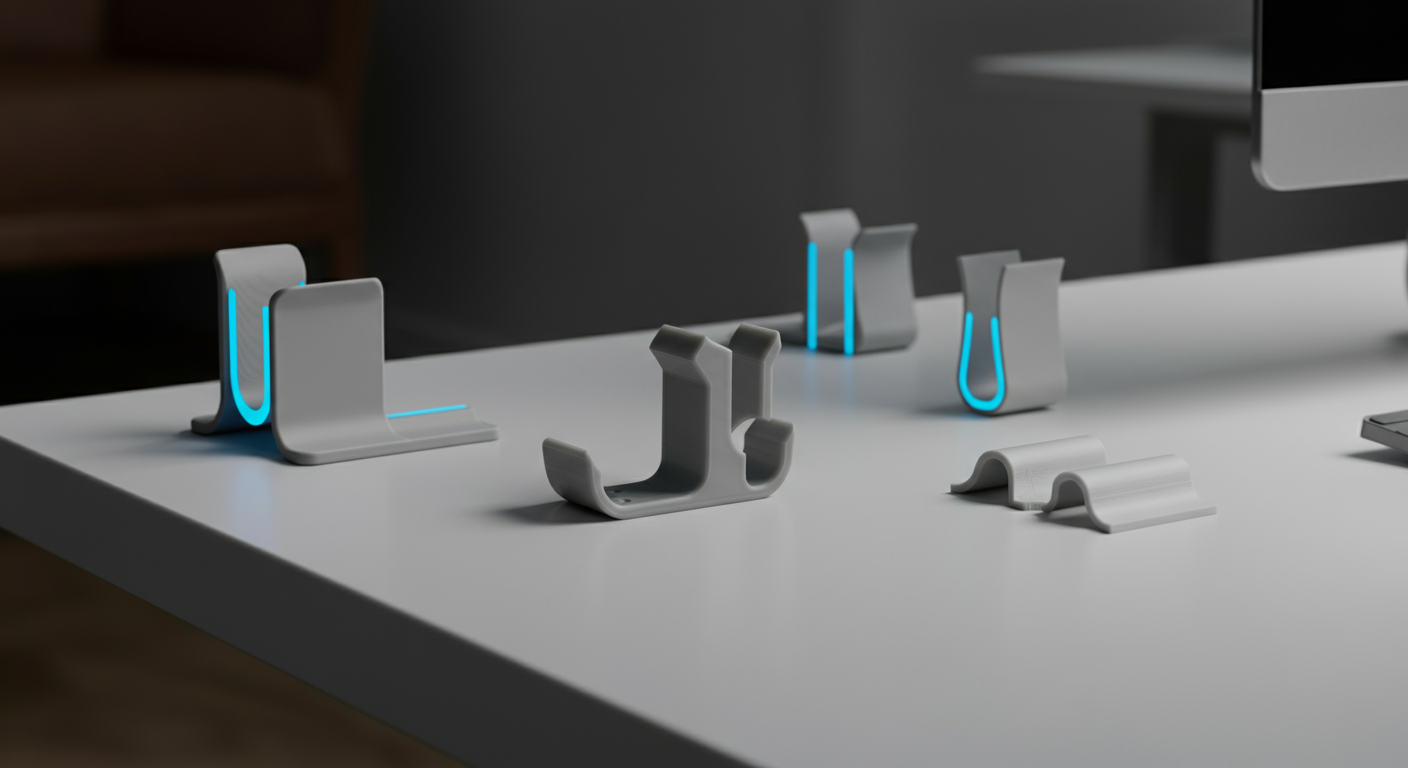
Cable clips are your foundation. These small pieces attach to desk edges, monitor arms, or wall surfaces and hold individual cables in place. The beauty of 3D printing them is that you can size the channel exactly to your cable diameter. A snug fit means the cable stays put without excessive clamping force that could damage the insulation over time.
Cable routing guides handle the highways — the paths where multiple cables travel together. Rather than letting six cables drape loosely behind your desk, a routing guide bundles them neatly along a defined path. These typically mount under the desk surface and are barely visible from the front.
Device-specific holders are where 3D printing really shines. A holder for your specific power strip that mounts it vertically under the desk. A dock for your phone that also channels the charging cable. A mount for your USB hub that positions it exactly where your hand reaches naturally. These are products that simply don’t exist in stores because the market for each specific combination is too small for mass production — but perfect for 3D printing.
Material Matters
Not all 3D printing materials are equal when it comes to cable management. The most common choice is PLA, which works well for desk-mounted clips and holders. It’s rigid, prints cleanly, and holds its shape at room temperature.
For cable management near heat sources — like behind a gaming PC or near a power strip — PETG is the better option. It handles higher temperatures without softening and has slightly more flexibility, which is useful for snap-fit designs that need to flex during installation without breaking.
At 3Dennis, we typically use PETG for cable management products. The slight extra cost is worth the durability, especially since these parts are meant to be installed once and forgotten about for years.
Designing for Real Life
The best cable management is invisible. When we design a new cable clip or routing solution, we think about what happens after installation. Will it catch your eye every time you look at your desk? Or will it blend into the background?
Color matching helps enormously. A white cable clip on a white desk disappears. A black routing guide under a dark desk becomes part of the furniture. This is another advantage of 3D printing — we can produce the exact same design in any color without retooling.
Mounting method matters too. Adhesive-backed solutions work on smooth surfaces and leave no holes. Screw-mounted options are more permanent and handle heavier cable loads. Some of our designs offer both options — the same clip with either an adhesive pad recess or screw holes, so you choose based on your situation.
Getting Started
If your desk looks like a cable spaghetti factory, don’t try to fix everything at once. Start with the most visible problem area — usually the front edge of the desk where charging cables dangle.
Install two or three cable clips along the desk edge to keep your daily-use cables accessible but organized. Then work backward, routing the permanent cables (monitor, power, ethernet) along the underside of the desk with routing guides.
The transformation is honestly dramatic. A desk that looked chaotic becomes clean and functional, and it stays that way because every cable has a designated spot.
Ready to Clean Up?
Browse our cable management collection to find clips, routing guides, and device-specific holders designed for real desk setups. Every product is 3D printed to order and ships within days.
Got a specific cable management challenge? Reach out to us — custom solutions are what we do best.
Keep reading
Choosing the Right Infill Percentage: A Complete Guide
How much infill does your 3D print really need? Learn when to use 20%, 50%, or 100% infill for optimal strength, weight, and print time.

Common 3D Printing Mistakes and How to Avoid Them
Learn from others' mistakes: the most common 3D printing problems and how to prevent them. From warping to layer adhesion - practical solutions explained.
Layer Height in 3D Printing: The Trade-off Between Quality and Speed
What's the best layer height for your 3D print? Learn how layer height affects quality, strength, and print time. Practical guidelines for every application.
Need help with your project?
Contact us for custom 3D prints or B2B services.